
Different Sylte Image
Utilize advanced flow matching technology for exceptional detail and prompt adherence.
The Flux Image-To-Image model allows users to transform image style based on specific textual prompts. This powerful flux inpainting model create different style from exist image.
Flux Image to Image AI 画像ジェネレーターを探索する
Flux Image to Image で画像を作成するには、まず https://www.flux-ai.net/flux-image-generator にアクセスし、左サイドバーですべての画像生成オプションを確認します。
最初のオプションはプロンプトです。生成したい画像をできるだけ詳しく説明してください。詳細が多いほど、Flux Image to Image はより良い画像を生成できます。
2番目のオプションは Flux AI モデルです。使用したいモデルを選び、この場合は Flux Image to Image を選択します。
生成ボタンをクリックして AI 画像の生成を完了します。
Flux Image to Image で生成した画像をダウンロードし、プロジェクトで使ったり友達と共有したりできます。
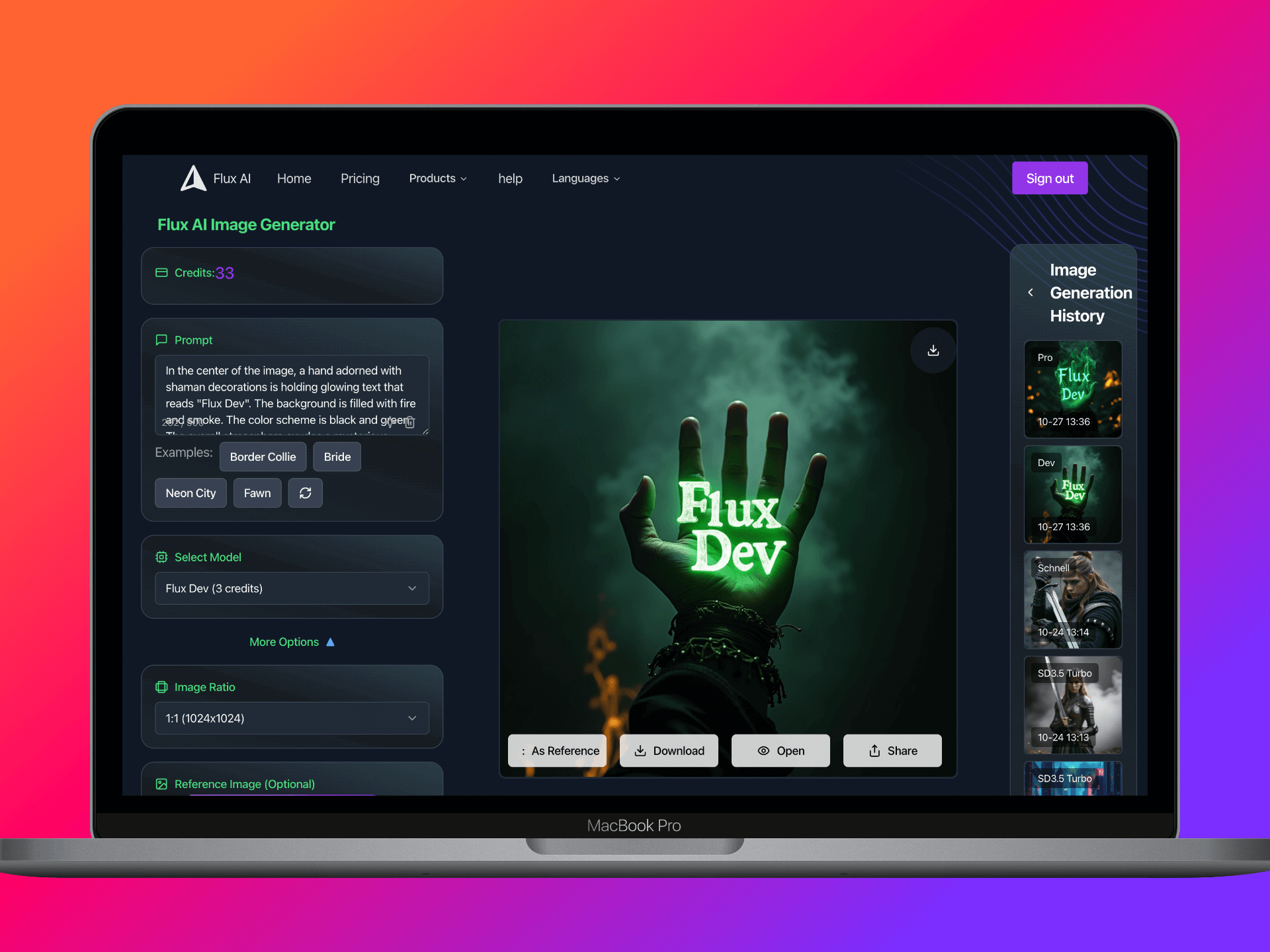
Explore our Flux Image to Image AI image generator
Utilize advanced flow matching technology for exceptional detail and prompt adherence.
Create images ranging from photorealistic to abstract art, tailored to your prompt.
Generate images in seconds, enhancing your creative workflow.
Easily navigate through the process of image creation with a simple three-step approach.
Retain ownership of all images created, allowing for commercial use without restrictions.
Flux AIの複数の強力なAI画像モデルバリアントから選択
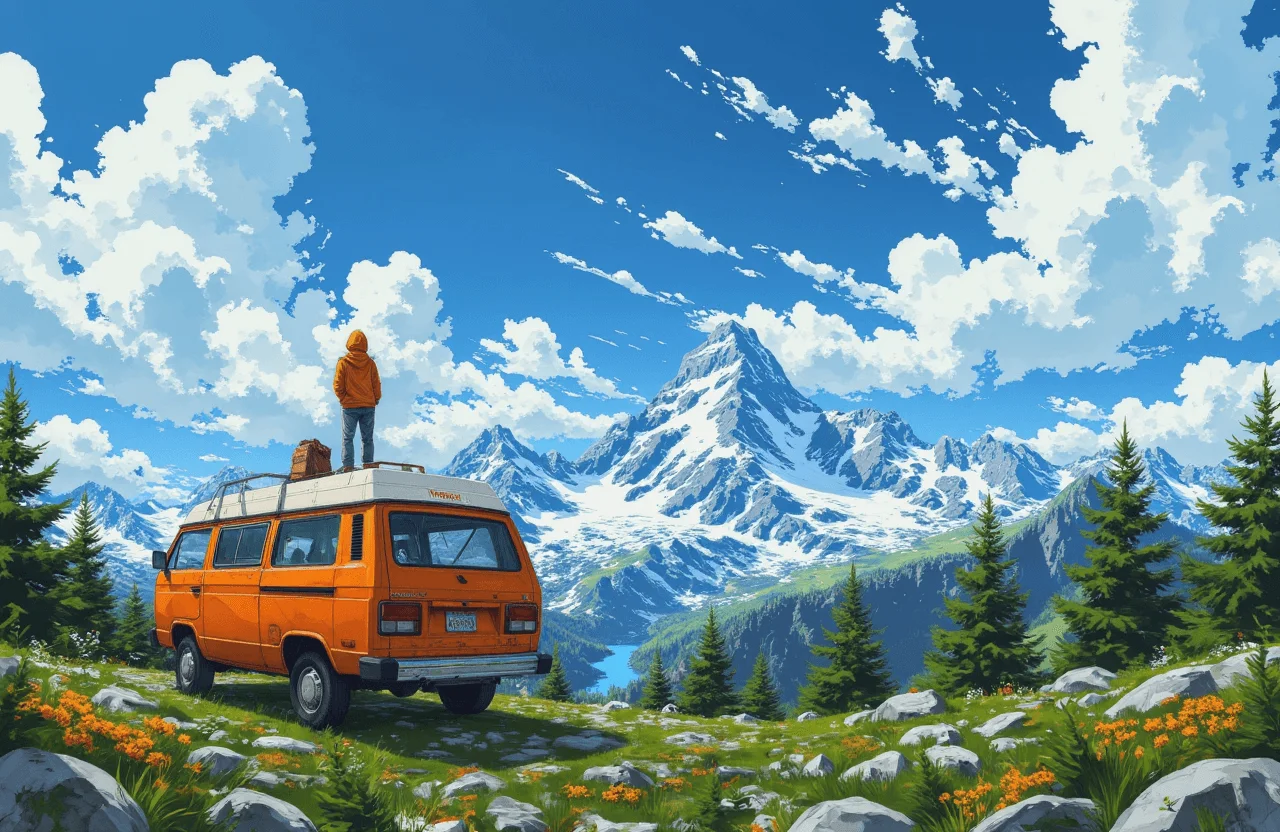
AI Ghibliジェネレーターでスタジオジブリ風の画像を作成。アイデアを数秒でジブリ風アートに変換できます。
モデルを試す%202.jpg)
Flux1.1 [pro]は、ハイエンド商用利用向けに最適化されたFlux AIのフラッグシップジェネレーターモデルです。
モデルを試す.jpg)
FLUX 1.1 Pro Ultraは4K解像度のAI画像ジェネレーターで、高速生成向けに最適化されています。
モデルを試す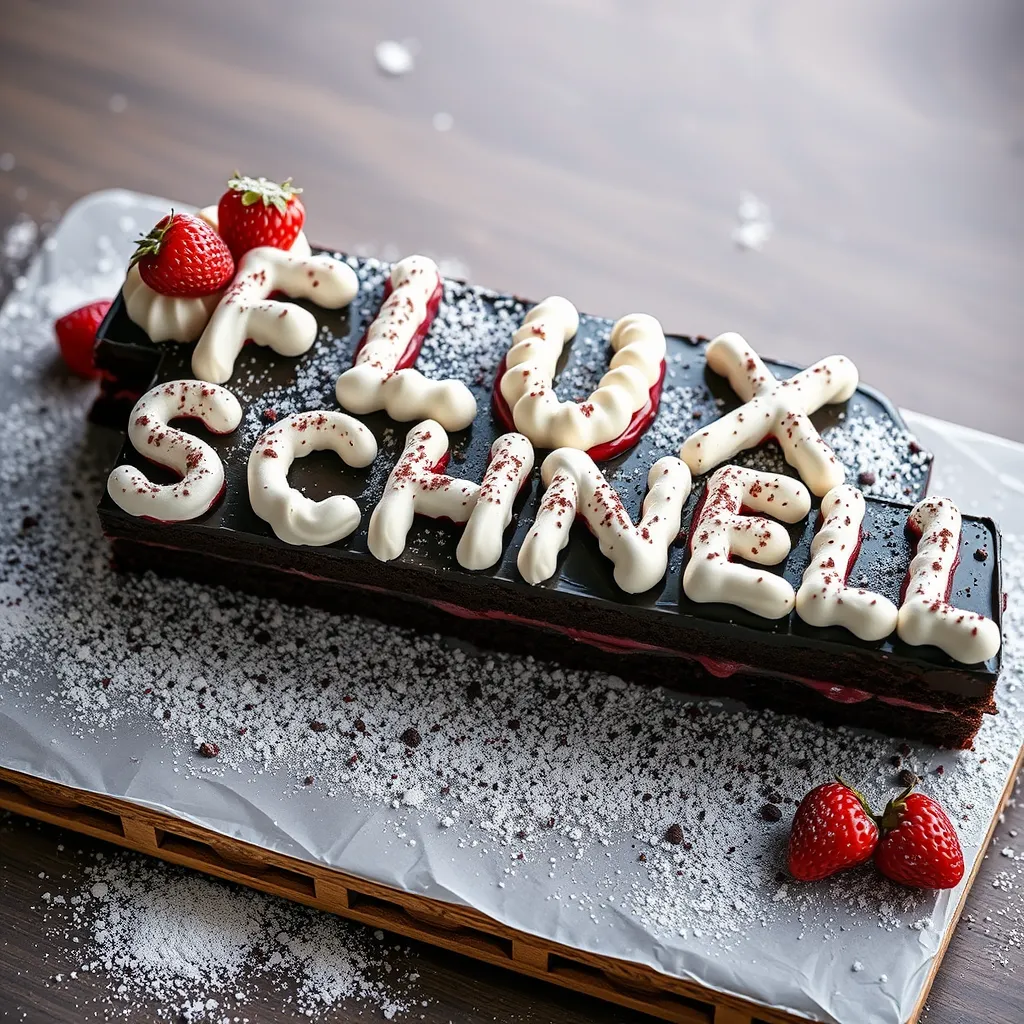
Flux.1 [Schnell]はFlux AIジェネレーターのターボモードで、Flux AIの中で最も高速なモデルです。
モデルを試す.png)
FLUX.1 [dev]は120億パラメータのrectified flow transformerで、テキスト説明から画像を生成できます。
モデルを試す.png)
テキストプロンプトから高品質な AI 画像を作成します。
モデルを試す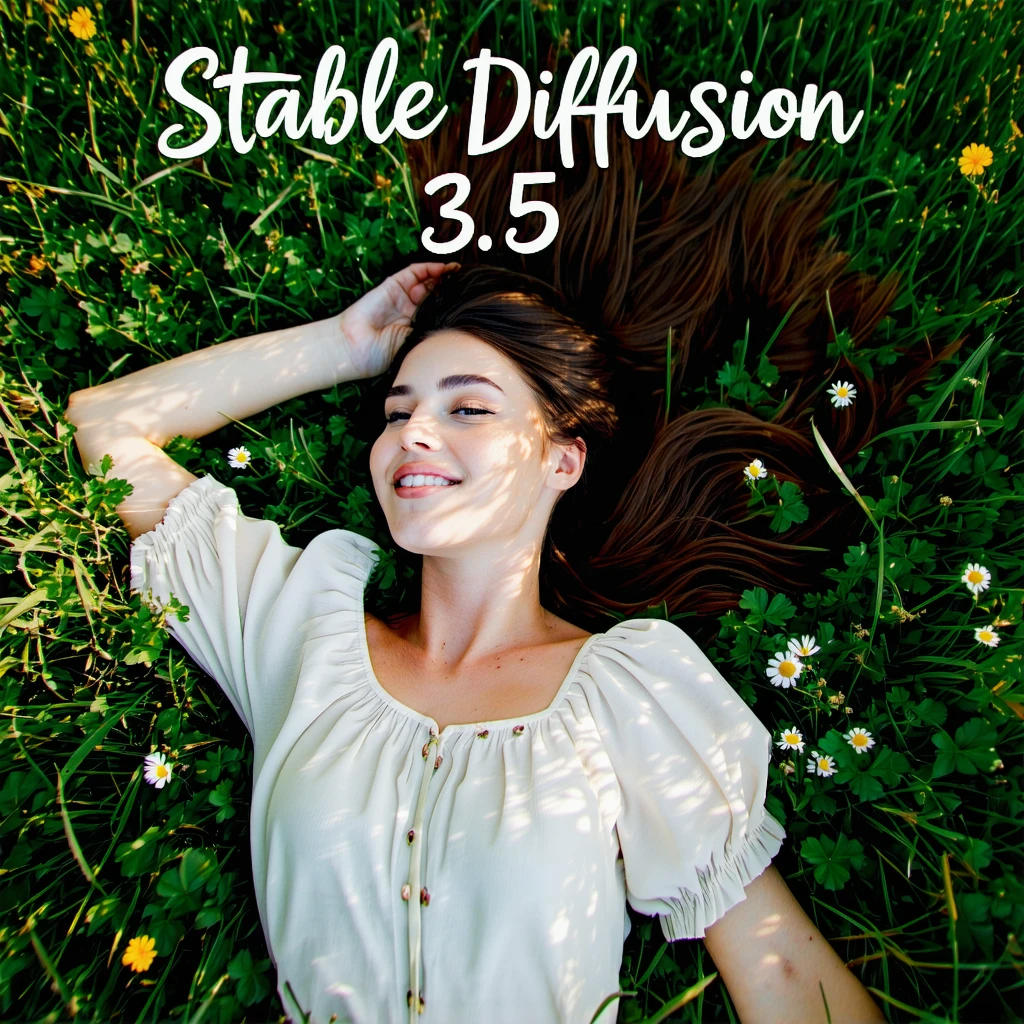
SD3.5 largeは優れた画質とプロンプト追従性を備え、Stable Diffusionファミリーで最も強力なベースモデルです。
モデルを試す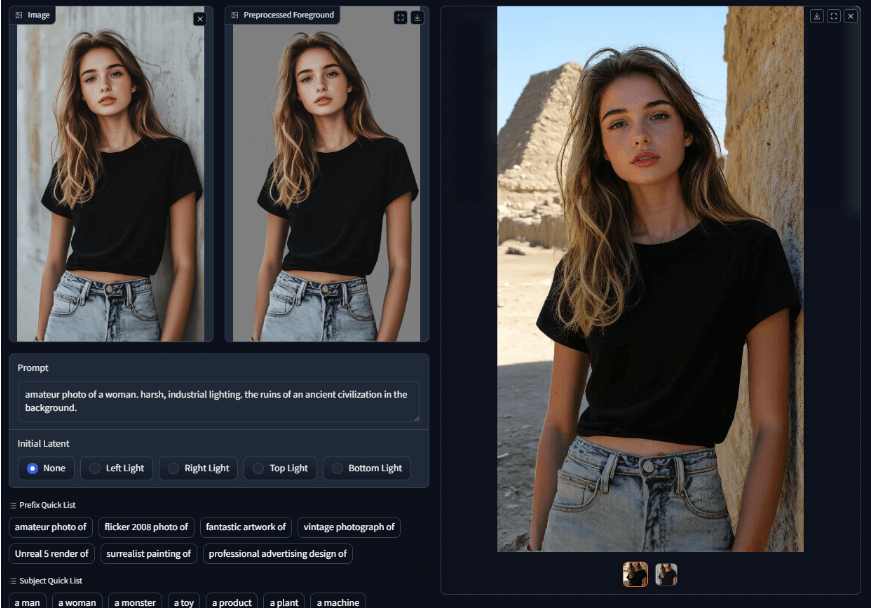
IC Light V2は16チャンネルVAE(Variational Autoencoder)を活用し、画像のライティングを強化・調整する高度な画像処理ツールです。
モデルを試す