
One multimodal foundation
FLUX 3 is built around a shared representation for visual and audio information, rather than separate models for each medium.
Explore the announced FLUX 3 capabilities for images, video, and audio, then turn your next visual idea into an image in Flux AI.
FLUX 3 is Black Forest Labs' announced multimodal foundation model. It is designed to learn from images, video, and audio in one architecture and is currently rolling out through early access.
FLUX 3 is built around a shared representation for visual and audio information, rather than separate models for each medium.
The official release describes text-led generation plus image and video references, with video-and-audio output among its planned capabilities.
Black Forest Labs says FLUX 3 can synthesize and edit images across styles, aspect ratios, and resolutions, with early access still in progress.
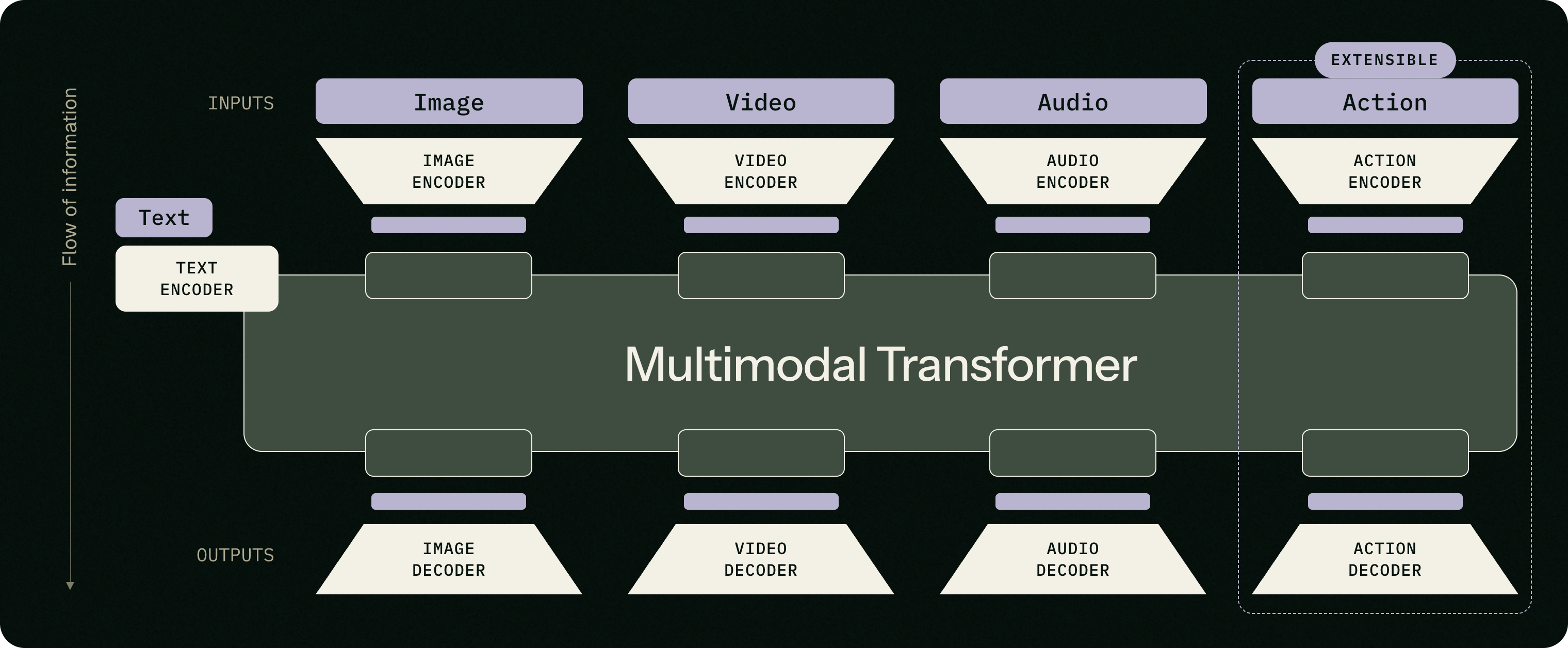
The FLUX 3 announcement highlights generation from text prompts as well as input references such as images and video - useful when an idea needs a clear visual starting point.
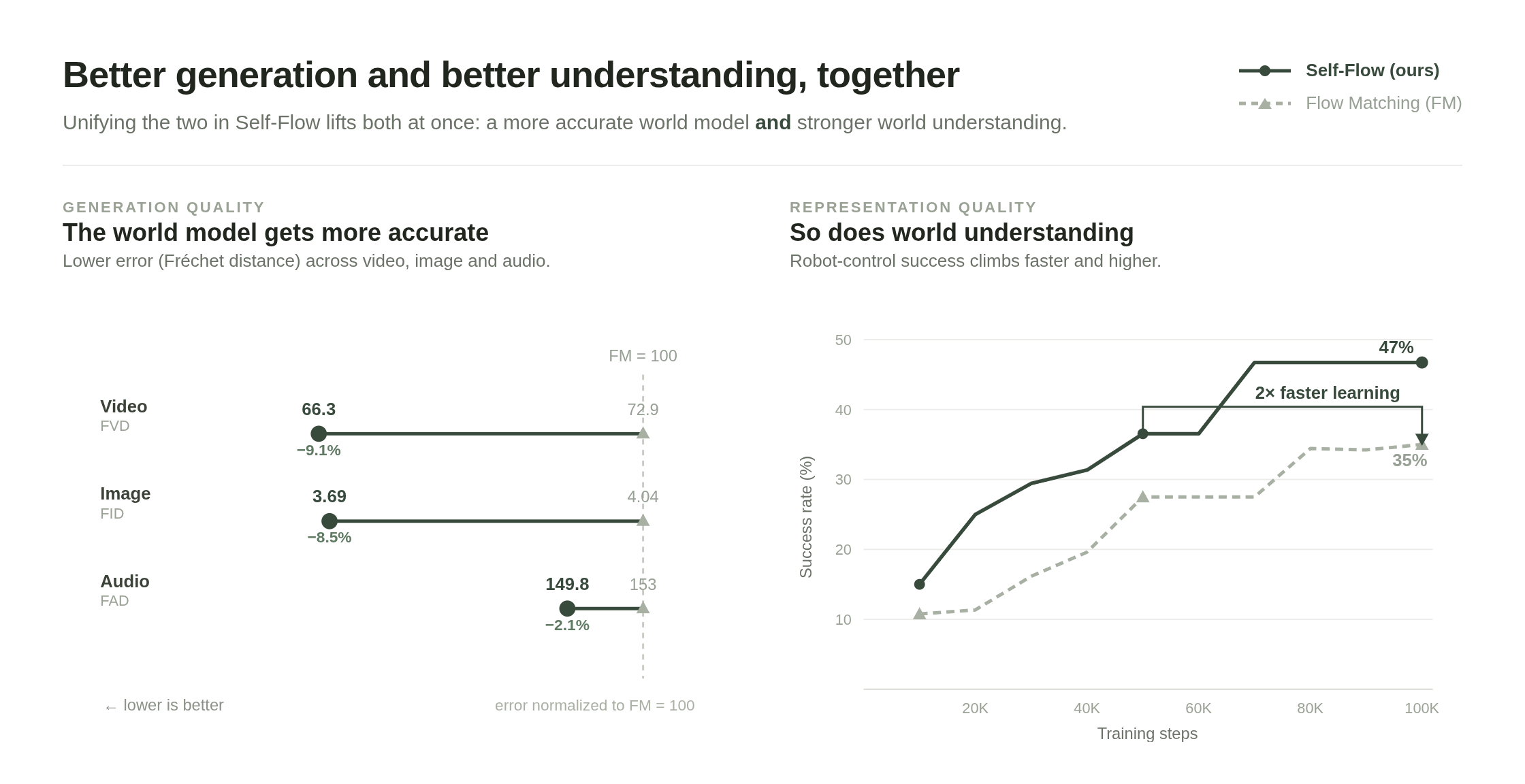
According to Black Forest Labs' preliminary evaluation, FLUX 3 improves on earlier FLUX generations for complex prompts and text rendering in images.
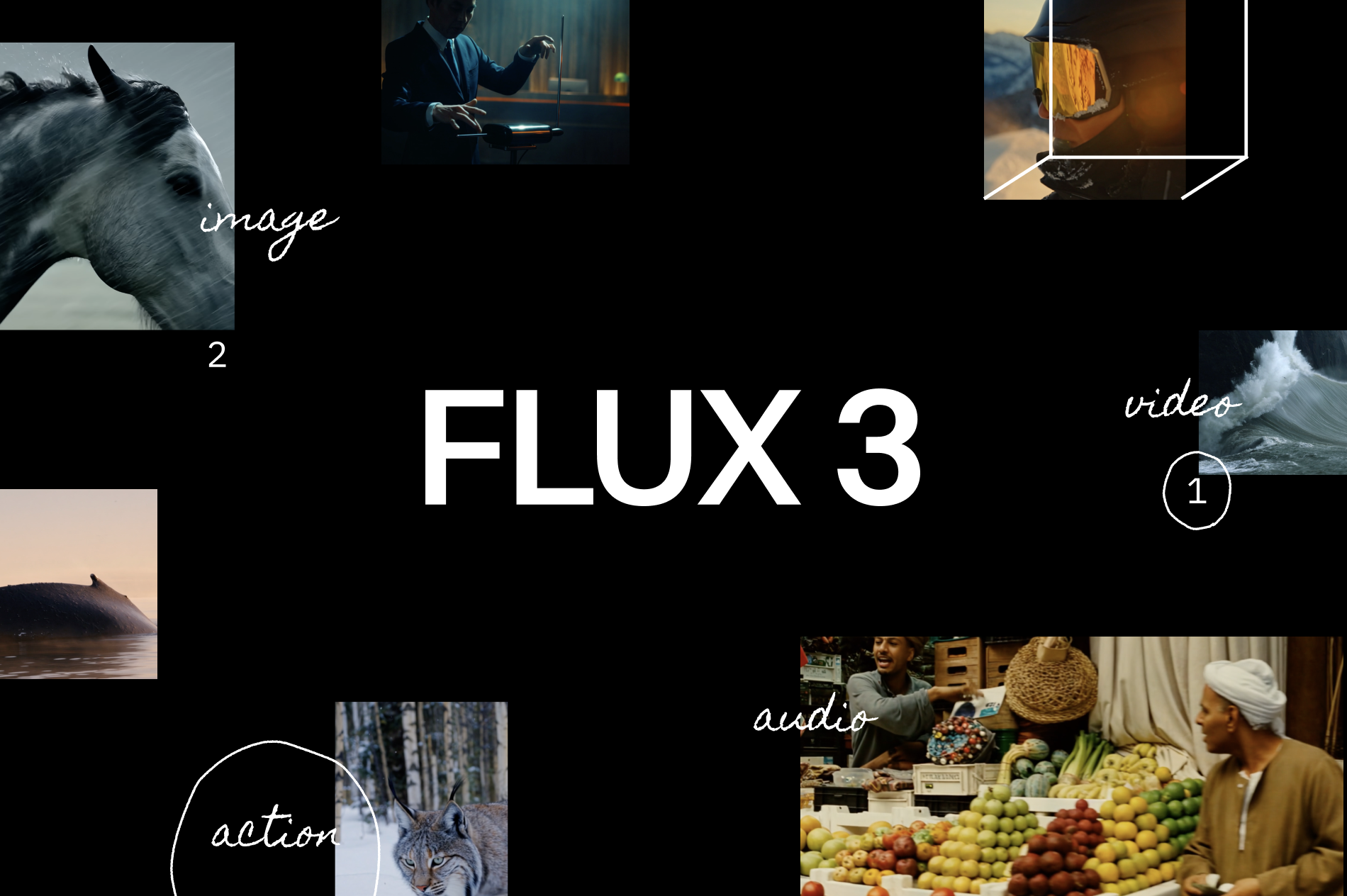
The release frames FLUX 3 as a foundation for creative generation and editing across modalities. Availability, features, and results may change during early access.
FLUX 3 access is being introduced by Black Forest Labs. You can use the same clear prompt workflow for image ideas in the Flux AI canvas today.
State the subject, setting, composition, lighting, and visual style. For a reference-driven concept, explain what should remain consistent.
Use the canvas above to generate an image with the available Flux AI models. FLUX 3 itself is not yet a selectable model on this site.
Adjust the prompt for the next variation, then download the result when it matches your creative direction.
Use the current Flux AI tools for the image-generation tasks that align with the FLUX 3 search intent.
Turn a written brief into original images for mood boards, campaigns, and early creative exploration.
Start from an uploaded image and direct a new look, scene, or visual treatment with a precise edit prompt.
Build a clearer visual prompt before generating, so the subject, composition, and style are easier to control.
Choose from multiple powerful variants AI Image Model of Flux AI

Create Studio Ghibli style images with our AI Ghibli generator. Transform your ideas into Ghibli style art in seconds.
Try model%202.jpg)
Flux1.1 [pro] is the flagship Flux AI generator model, optimized for high-end commercial use.
Try model.jpg)
FLUX 1.1 Pro Ultra is 4k resolution ai image generator, optimized for high-speed generation.
Try model
Flux.1 [Schnell] is turbo mode of Flux AI generator, the fastest model in the Flux AI
Try model.png)
FLUX.1 [dev] is a 12 billion parameter rectified flow transformer that can generate images from text descriptions.
Try model.png)
Create high-quality AI images from a text prompt.
Try model
SD3.5 large is superior quality and prompt adherence, this base model is the most powerful in the Stable Diffusion family.
Try model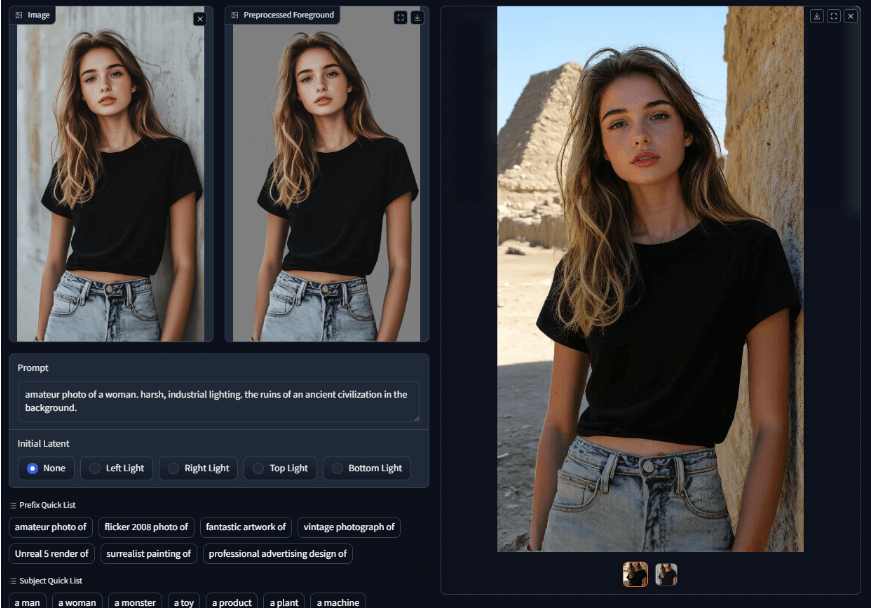
IC Light V2 is an advanced image processing tool that utilizes a 16-channel Variational Autoencoder (VAE) to enhance and manipulate lighting in images.
Try modelKey details from the official FLUX 3 announcement and how this page relates to Flux AI.
Start with the Flux AI image tools available today while you follow FLUX 3's official early-access rollout.