
Flux.1 Kontext AI Image Editor
FLUX.1 Kontext revolutionizes image editing with AI. Transform any image using simple text prompts. Edit photos, change styles, modify objects — all with advanced AI technology. Perfect for creators, designers, and content makers.
How to Use Free Flux Kontext
Move from upload to professional edit results in five focused steps.
- 1
Open Flux Kontext
Visit flux-ai.net and select the Flux Kontext model to start your creative journey.
- 2
Upload your image
Upload the image you want to edit. Multiple formats are supported for optimal compatibility.
- 3
Write your edit prompt
Enter detailed editing prompts. The more specific your description, the more precise the results.
- 4
Select FLUX.1 Kontext
Choose the FLUX.1 Kontext model to experience cutting-edge image editing technology.
- 5
Generate and download
Click generate and get professional editing results in seconds. Download and apply to your projects.
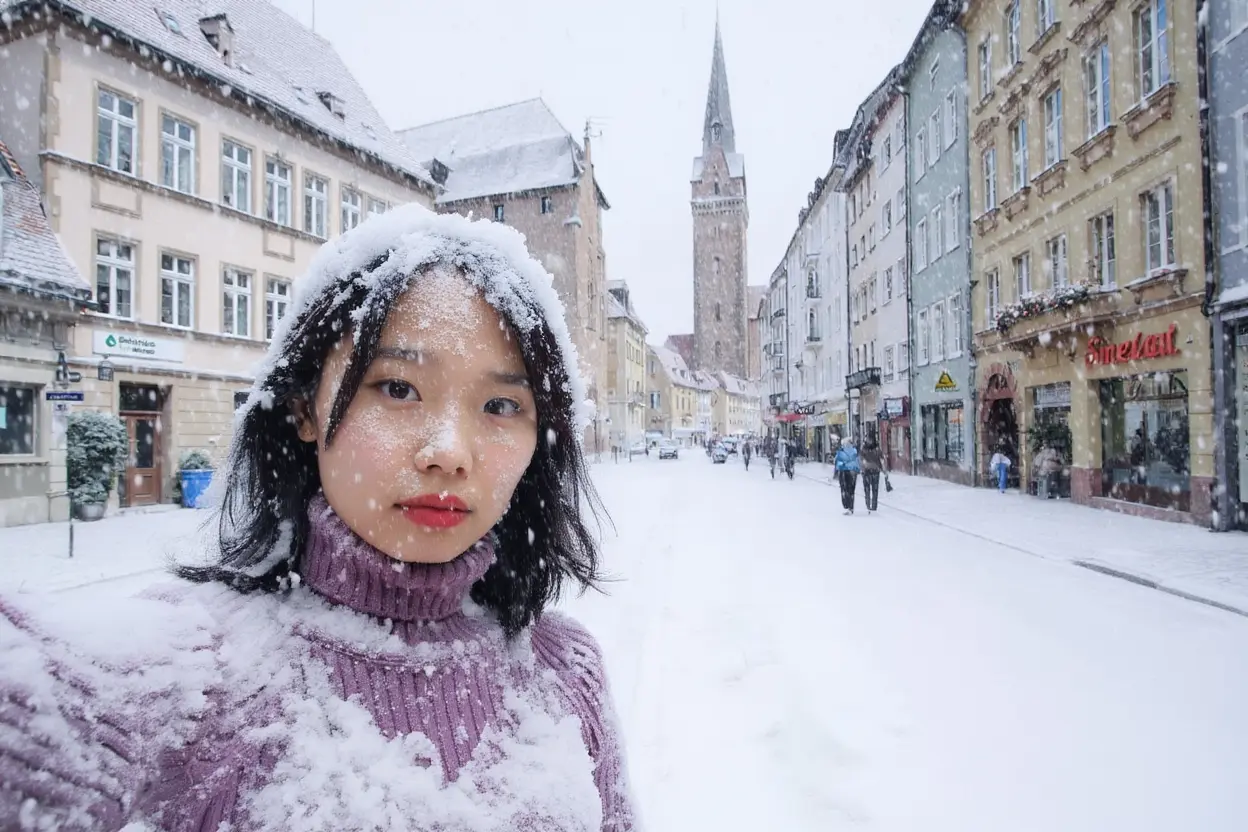
Why Choose Flux Kontext?
Text-to-Edit Magic
Simply describe your changes. Kontext understands and applies edits instantly, making complex image modifications effortless.
Style Transfer Excellence
Transform images into any artistic style. From cartoons to paintings, Flux Kontext delivers stunning visual transformations.
Character Consistency
Maintain subject identity across edits. Perfect for creating series while preserving character features and expressions.
Professional Quality Output
Generate commercial-ready images with exceptional detail. Every edit maintains professional standards and clarity.
Instant Text Editing
Modify text within images seamlessly. Change signs, labels, and typography without recreating from scratch.
Lightning Fast Processing
Experience rapid image transformations. Flux Kontext delivers results in seconds, not minutes.
Kontext vs Traditional Editing
Experience the future of AI image editing with FLUX.1 Kontext.
| Traditional Editing | Flux Kontext | |
|---|---|---|
| Learning curve | Complex software learning curve | Simple text descriptions |
| Time | Hours of manual work | Results in seconds |
| Skills | Requires technical skills | No technical knowledge needed |
| Cost | Expensive software licenses | Free to use |
Frequently Asked Questions about Flux Kontext
Practical answers before you start editing with FLUX.1 Kontext.
Flux AI Models
Choose from multiple powerful variants AI Image Model of Flux AI

Ghibli Image Generator
Create Studio Ghibli style images with our AI Ghibli generator. Transform your ideas into Ghibli style art in seconds.
Try model%202.jpg)
Flux Pro
Flux1.1 [pro] is the flagship Flux AI generator model, optimized for high-end commercial use.
Try model.jpg)
Flux 1.1 Pro Ultra
FLUX 1.1 Pro Ultra is 4k resolution ai image generator, optimized for high-speed generation.
Try model
Flux Schnell
Flux.1 [Schnell] is turbo mode of Flux AI generator, the fastest model in the Flux AI
Try model.png)
Flux Dev
FLUX.1 [dev] is a 12 billion parameter rectified flow transformer that can generate images from text descriptions.
Try model.png)
Flux Image Generator
Create high-quality AI images from a text prompt.
Try model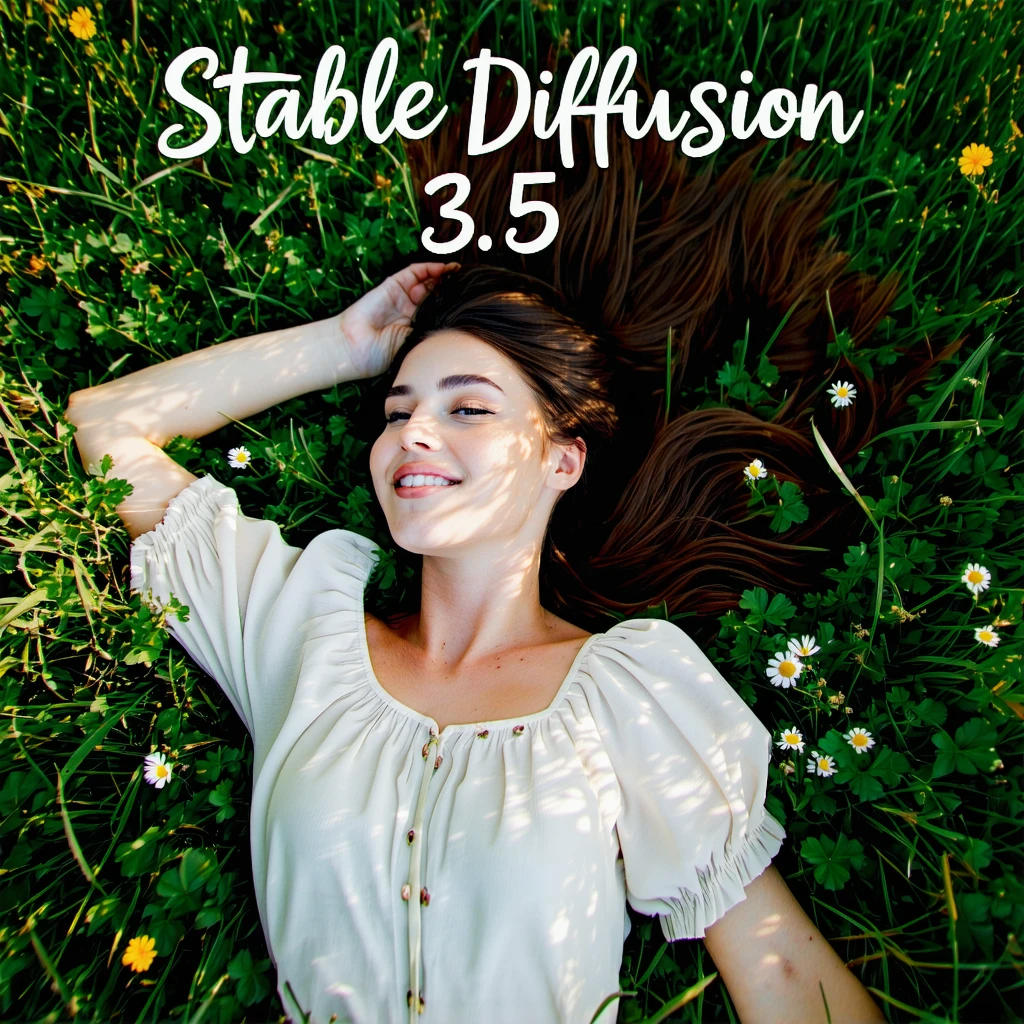
Stable Diffusion 3.5 large
SD3.5 large is superior quality and prompt adherence, this base model is the most powerful in the Stable Diffusion family.
Try model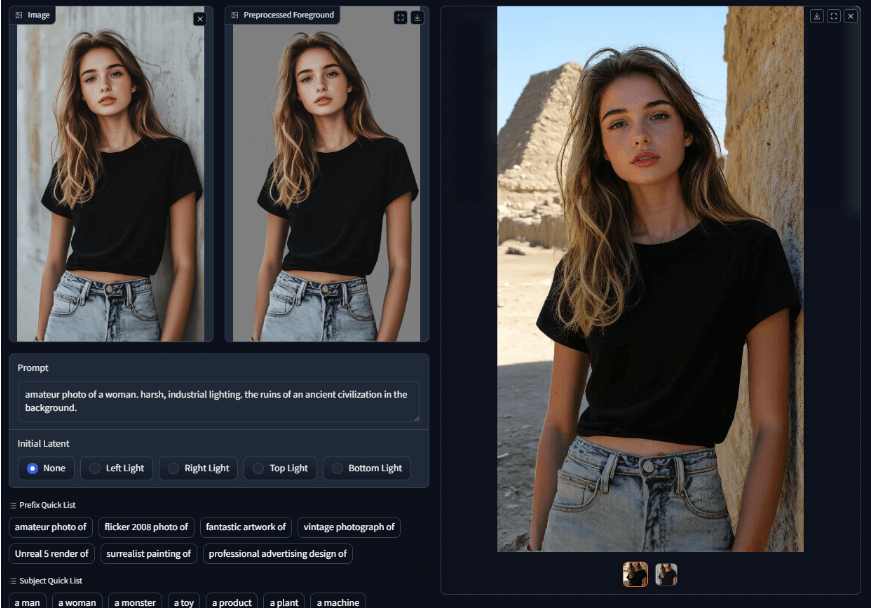
IC Light v2
IC Light V2 is an advanced image processing tool that utilizes a 16-channel Variational Autoencoder (VAE) to enhance and manipulate lighting in images.
Try model