
High-Quality Image Generation
Flux Dev produces crystal-clear images that meet professional standards, ensuring your visuals are always top-notch.
Generate and manipulate high-quality images from basic text inputs.
Flux Dev produces crystal-clear images that meet professional standards, ensuring your visuals are always top-notch.
Experience rapid image generation with Flux Dev, allowing you to create stunning visuals in seconds.
Choose from a wide range of artistic styles and effects to bring your imagination to life.
Easily navigate the intuitive interface to generate images without technical hassle.
All images generated with Flux Dev come with full commercial rights, making them perfect for business use.
Create, generate, and download an image in five simple steps.
Go to flux-ai.net/flux-image-generator. The left sidebar contains the image-generation options.
Enter the image you would like to generate. The more detail you provide, the better the result Flux Dev can generate.
Choose Flux Dev under Flux AI Model, click Generate, then download your AI-generated image for your projects or to share.
Click the Generate button to finish your AI-generated image.
Download the image for your projects or share it with your friends.
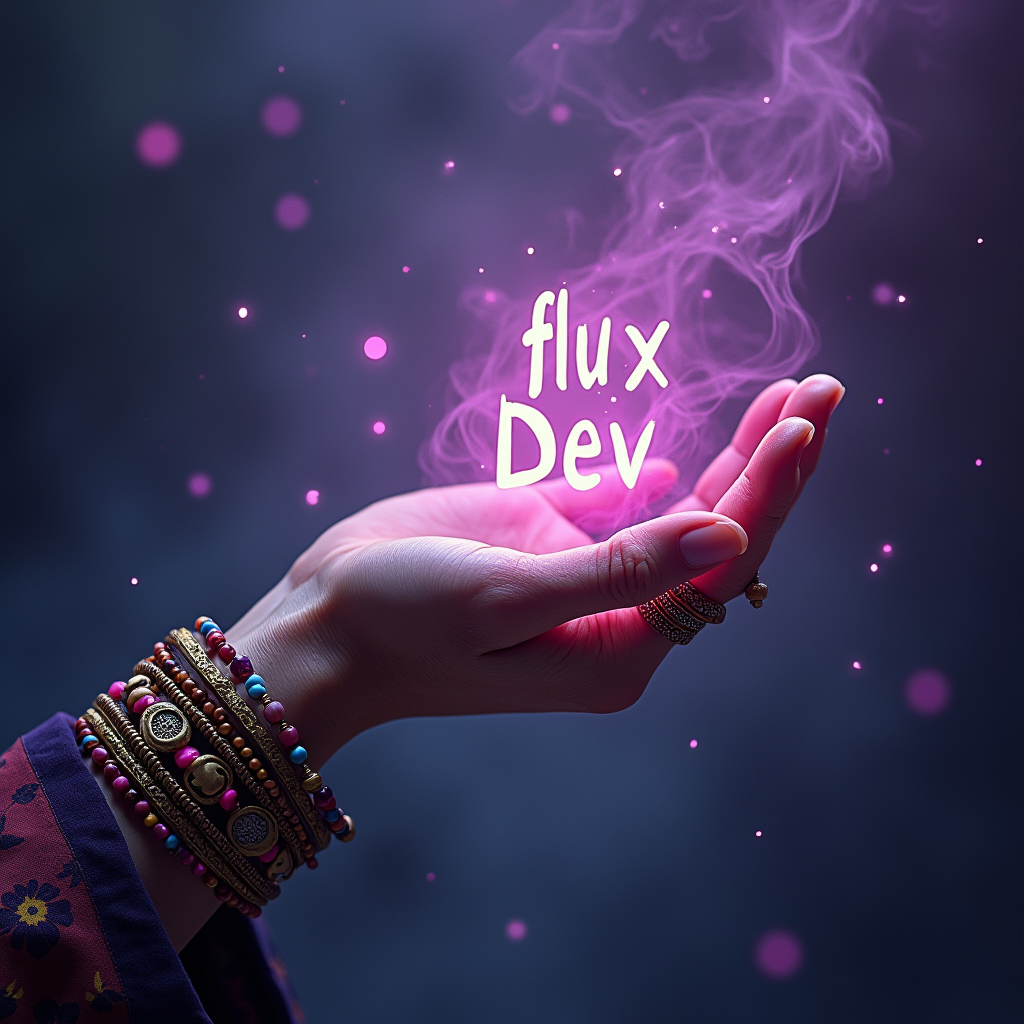
Choose from multiple powerful variants AI Image Model of Flux AI

Create Studio Ghibli style images with our AI Ghibli generator. Transform your ideas into Ghibli style art in seconds.
Try model%202.jpg)
Flux1.1 [pro] is the flagship Flux AI generator model, optimized for high-end commercial use.
Try model.jpg)
FLUX 1.1 Pro Ultra is 4k resolution ai image generator, optimized for high-speed generation.
Try model
Flux.1 [Schnell] is turbo mode of Flux AI generator, the fastest model in the Flux AI
Try model.png)
FLUX.1 [dev] is a 12 billion parameter rectified flow transformer that can generate images from text descriptions.
Try model.png)
Create high-quality AI images from a text prompt.
Try model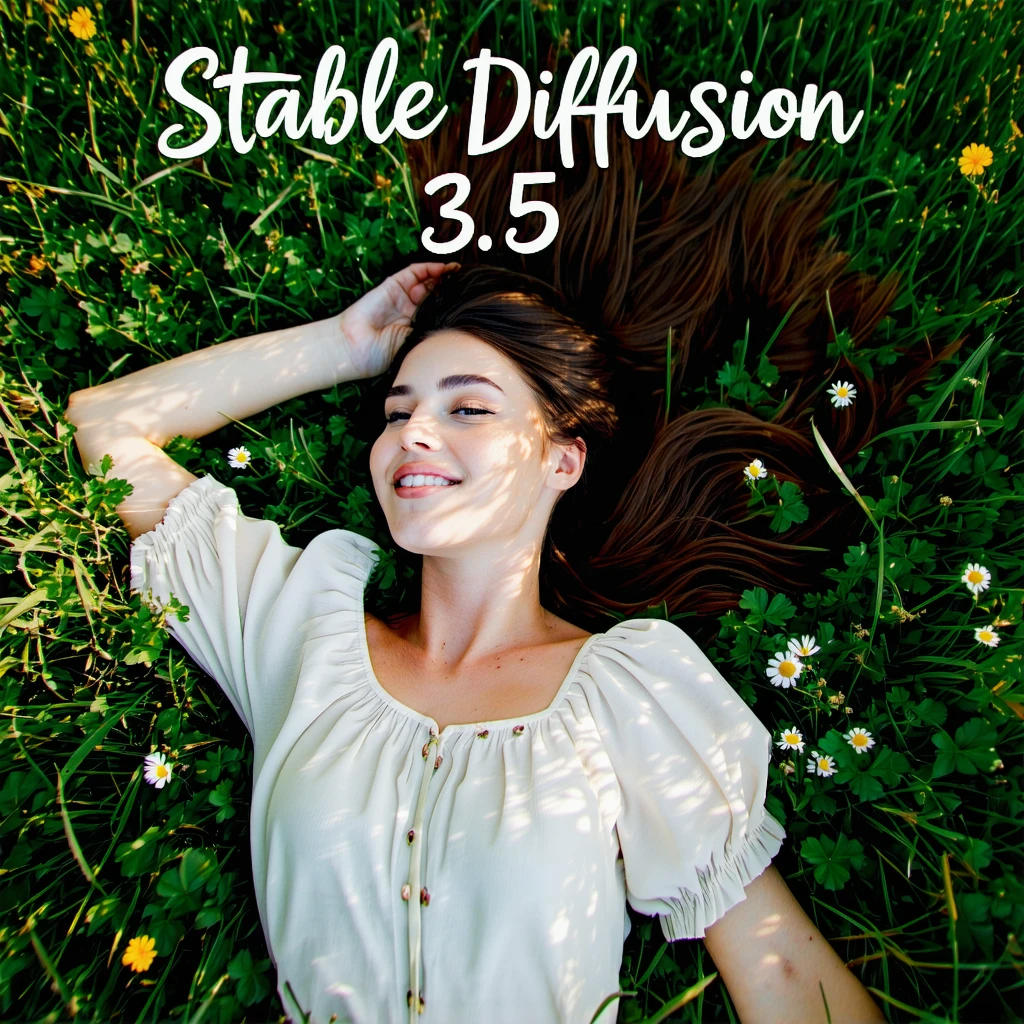
SD3.5 large is superior quality and prompt adherence, this base model is the most powerful in the Stable Diffusion family.
Try model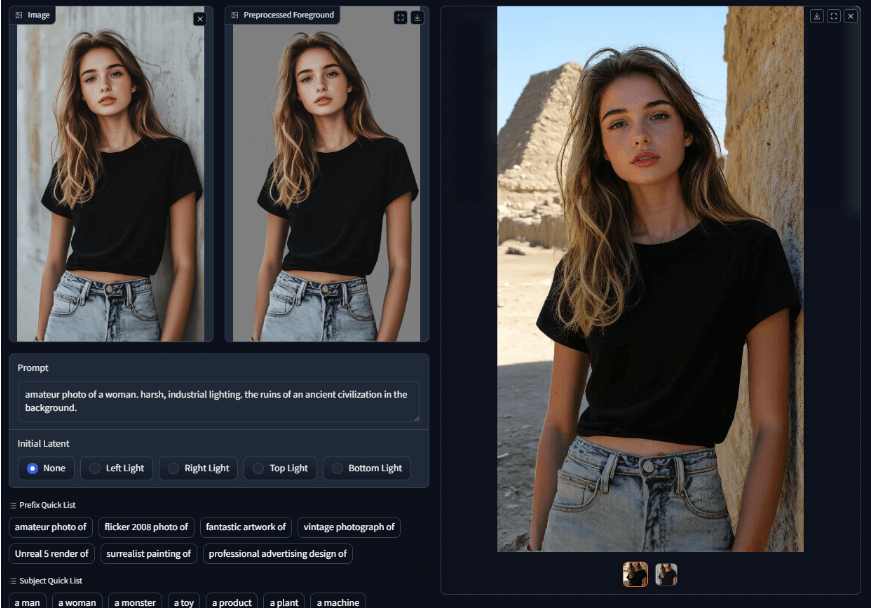
IC Light V2 is an advanced image processing tool that utilizes a 16-channel Variational Autoencoder (VAE) to enhance and manipulate lighting in images.
Try modelAnswers to common questions about Flux Dev.
Generate and manipulate high-quality images from basic text inputs.